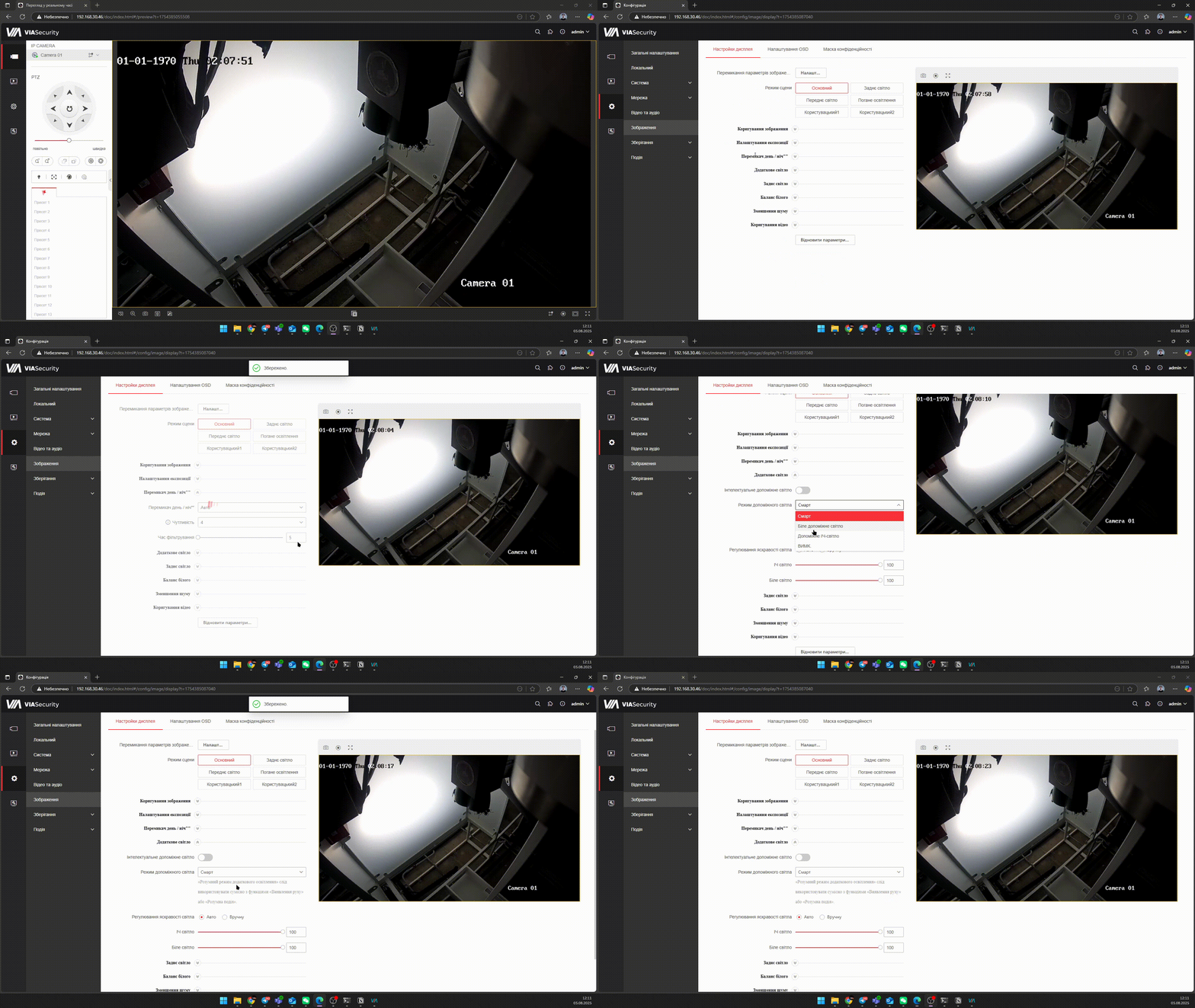
IPC Backlight settings
Steps:
- Configuration/ Image/ Day/Night switch: Auto - the camera switches to night mode automatically based on the light sensor; Day - the camera operates only in color mode; Night - the camera operates with constantly enabled illumination; By schedule - configure the mode switching schedule.
- Additional light: Smart - in idle state, at night, IR illumination is used / when motion is detected, visible illumination turns on.
- Configure the illumination radiation power and Intelligent lighting - for correct scene display.